MURA · GUIDE
Frame TV art: the Art Store, free art, or an app?
Art for a Samsung Frame TV comes from three places: Samsung’s Art Store, which is a paid subscription with a small free selection; your own images loaded through SmartThings or USB; and art apps on a streaming box such as Apple TV. This guide compares the cost, the catalogue and the trade-offs of each, with sources.
Updated 25 September 2026 · by Jonas Cronfeld, Embova
What art can you put on a Samsung Frame TV?
Three kinds: Samsung’s own Art Store, your own photos and images, and whatever an app on a connected streaming box shows. Samsung describes the Art Store as access to “5,000+ works of art from the most iconic museums, galleries, and artists”[1], while its own FAQ on the Frame page puts the paid catalogue at “over 4,000 pieces of artwork”[2]. Your own images go in through the SmartThings app (“Add Your Photos”) or from a USB drive connected to the One Connect Box while the TV is in Art Mode[3]. A streaming box on an HDMI port shows whatever its apps show, in the TV’s ordinary picture mode rather than Art Mode.
Do you have to pay for the art on a Frame TV?
Not for all of it, but for most of it. Samsung provides “a rotating selection of free art through Art Store Streams”, which it describes as 30 pieces a month[2]. The full Art Store is a subscription at $4.99 a month or $49.99 a year[1], bought on the TV under Art Store, then Membership, then Subscribe[3]. The subscription gives “unlimited access to all current and future artwork”[3].
Where can I get free art for a Frame TV?
From Samsung’s free stream, from sites that format public-domain paintings for the Frame, and from your own camera roll. Free TV Art offers “free vintage paintings perfectly formatted for your Samsung Frame TV” and sells premium pieces at around $6 each[6]. Anything you download goes onto the TV the same way as a photo: SmartThings or USB[3]. The catch is the work: each image has to be found, cropped to the screen and loaded by hand, and the TV shows it as a photo rather than as a curated collection.
Is there a cheaper alternative to the Samsung Art Store?
Yes, if you already own a streaming box or are willing to buy one. The table compares what each option costs per year and what you get, as of 24 September 2026.
| Option | Cost per year | What you get | Needs |
|---|---|---|---|
| Samsung Art Store | $49.99, or $4.99 a month[1] | 5,000+ works, Samsung’s figure[1]; free stream of 30 a month[2] | A Frame TV |
| Mura on Apple TV | $24.99, or $3.99 a month[8] | Masterworks by Monet, van Gogh, Hokusai, Turner, Cézanne, Renoir and Degas and 30 more, 1821 to 1927, plus Mura Studio works; 118 in all as of 24 September 2026[10] | Any 4K TV plus an Apple TV 4K[9] |
| Artcast | Free with ads, or $4.99 a month[7] | “Large artwork selection”; premium on up to 5 TVs[7] | A streaming box or smart TV with the app |
| Free TV Art and similar | Free; premium pieces around $6 each[6] | Vintage paintings formatted for the Frame[6] | Loading each image yourself[3] |
| Hisense CanvasTV | $0 for the art; the TV starts at $999[4] | “A curated world of free artistic masterpieces”[4] | Buying a CanvasTV, 55 or 65 inches[4] |
| TCL NXTFRAME A300 Pro | $0 for the art[5] | “More than 100,000 pre-generated AI artworks”[5] | Buying the TV, 55 to 85 inches[5] |
The difference between those catalogues is not only the count. Samsung’s store and Artcast are libraries you browse; Mura is a gallery that has been hung. Every museum work is a named masterwork, by Monet, van Gogh, Hokusai, Turner, Cézanne, Renoir, Degas, Seurat, Sargent, Kandinsky, Mondrian and others[10], shown one at a time with its title, its year and a story to listen to, so the wall changes the way a museum hang does rather than the way a feed scrolls.
Can I make my regular TV look like a Frame TV?
Mostly. What the Frame adds is hardware: a matte screen, a motion sensor that switches the TV on or off when someone enters, and brightness that follows the room[1]. Hisense and TCL sell the same idea with a Hi-Matte or matte panel[4][5]. A regular TV has none of that, but an Apple TV 4K outputs up to 2160p[9], so the picture itself is as sharp as the TV allows, and an art app supplies the collection. The practical differences are glare on a glossy panel in a bright room, and that you switch the TV on rather than having it sense you.
Does Mura work on a Samsung Frame TV?
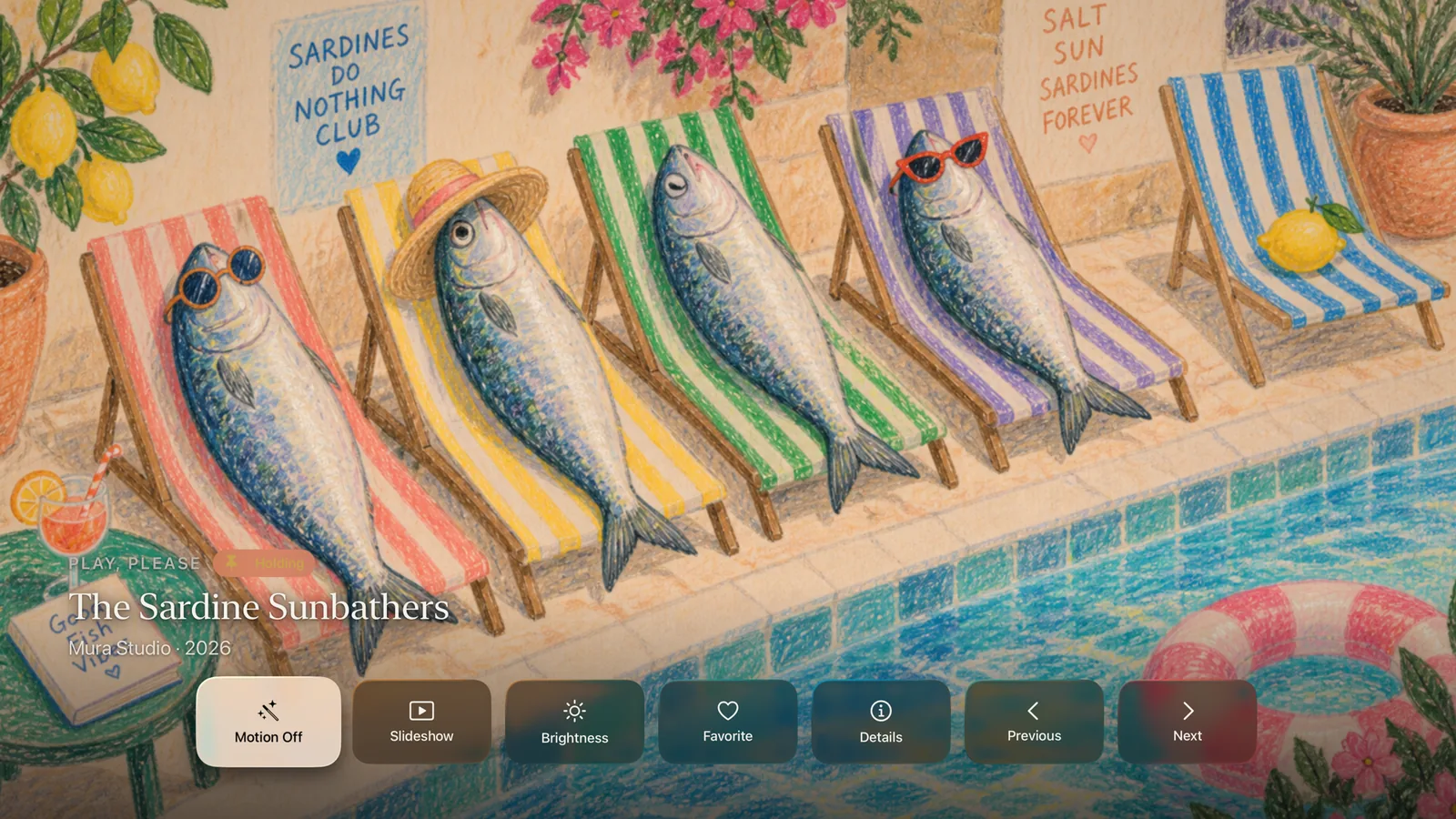
Through an Apple TV, yes. Mura runs on Apple TV and iPhone[8], not on Samsung’s own TV software, so on a Frame you would connect an Apple TV 4K to an HDMI port and open Mura there. You keep the Frame’s matte screen and its Art Mode for Samsung’s art, and use Mura as a second gallery when the TV is on. The iPhone app doubles as the remote: choose a work on the phone and it appears on the TV.
What are the disadvantages of a Frame TV for art?
Two, and neither is hidden. The full catalogue is a subscription on top of the TV[1], and the art lives inside Samsung’s system, so it stays with the TV rather than with you. If you change TV brands, the subscription and the loaded images do not follow. An app on a streaming box moves with the box.
Sources
- Samsung US: Art TV, Transform Your Wall with Art-Gallery TV · read 24 September 2026
- Samsung US: The Frame TVs, Stylish Design & Matte Display (FAQ) · read 24 September 2026
- Samsung Support: How to use Art Mode on the Samsung Frame TV · read 24 September 2026
- Hisense USA: Introducing CanvasTV · read 24 September 2026
- TCL: A300 Pro NXTFRAME TV · read 24 September 2026
- Free TV Art · read 24 September 2026
- Artcast: Streaming Art for Your TV, home use · read 24 September 2026
- App Store: Mura, Art Gallery for TV · read 24 September 2026
- Apple: Apple TV 4K, Technical Specifications · read 24 September 2026
- Mura catalogue, Resources/gallery.json, counted 24 September 2026 · read 24 September 2026
Mura is an art app for Apple TV and iPhone: museum masterworks by Monet, van Gogh, Hokusai, Turner and Renoir, shown one at a time, each with a story to listen to. See every work in the collection.
Get Mura for Apple TV